How I help teams build, fix, and evolve scalable, AI-ready design systems ?
I help product teams design and maintain design systems that actually scale, from strategy to implementation, from audit to long-term evolution. This case study shows how I think, how I work, and how I help teams move faster with confidence.
Most design systems don’t fail.
They get bypassed.
Designers work around them.
Developers re-implement instead of reuse.
New patterns don’t fit cleanly.
AI speeds everything up — the system doesn’t.
👀👉🏻
The result is predictable: inconsistency at scale, slower design–dev cycle, and duplicated decisions.
That’s not a tooling issue.
It’s a system that wasn’t built to evolve.
I don’t treat design systems as UI libraries.
I treat them as product infrastructure.
That means they’re designed to: 👉🏻 reduce repeated decisions, 👉🏻align design and development, 👉🏻adapt as products and workflows change, Including AI-accelerated ones.
My work focuses on building systems that stay useful as complexity increases, not just systems that look complete on day one.
👀👇
How I Help You with Your Design System?
Strategy & Foundations
Audit & Optimization
Design–Code Integration
Maintenance & Governance
First I need to know, where does your design system stand right now?
I usually see teams in one of these situations.You might recognize yours.
Full Service Design Systems
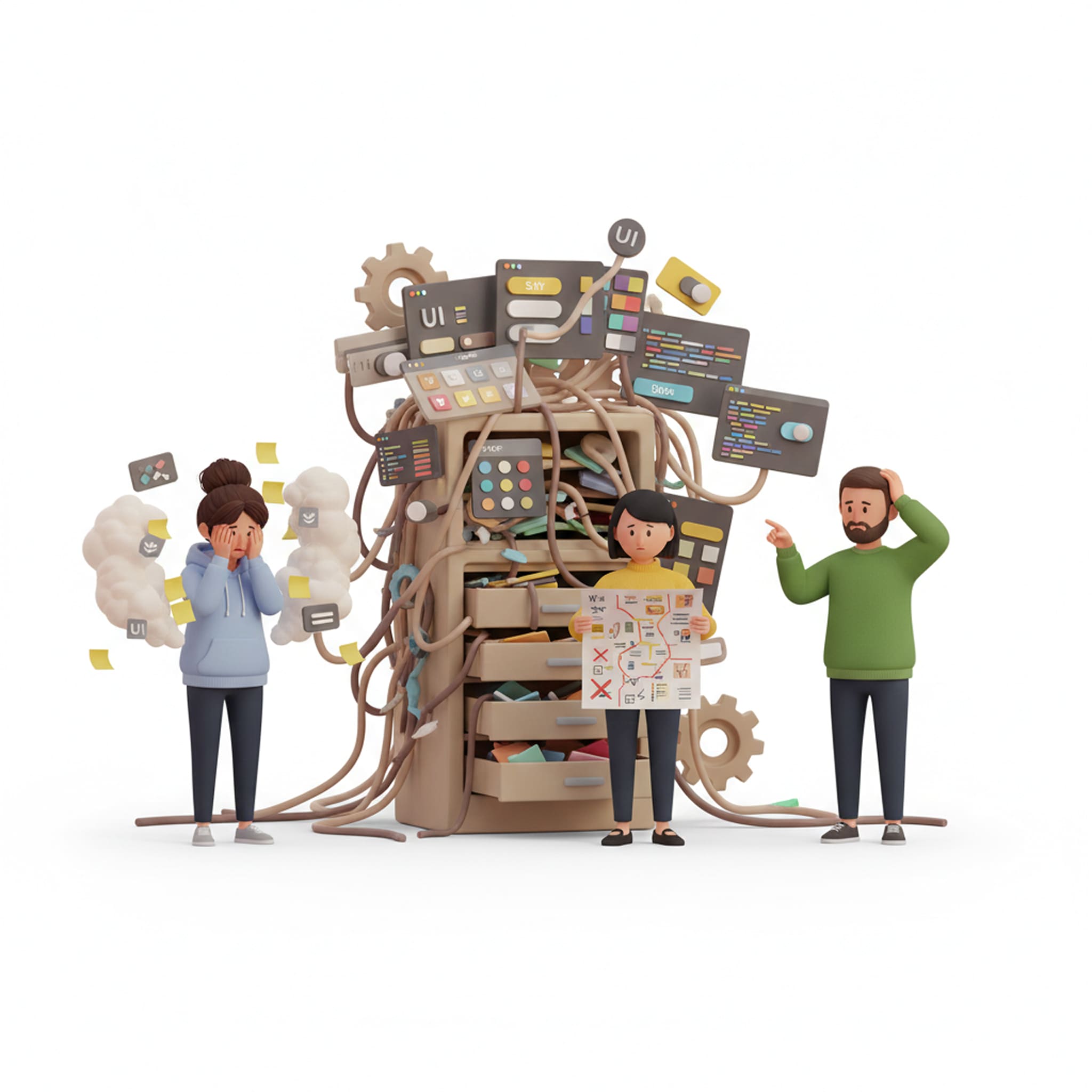
You don’t have a design system yet?
In this situation, Things still ship.
but everything feels heavier than it should.
Design decisions are repeated.
Developers keep asking for clarification.
Nothing is technically broken, it’s just inefficient.
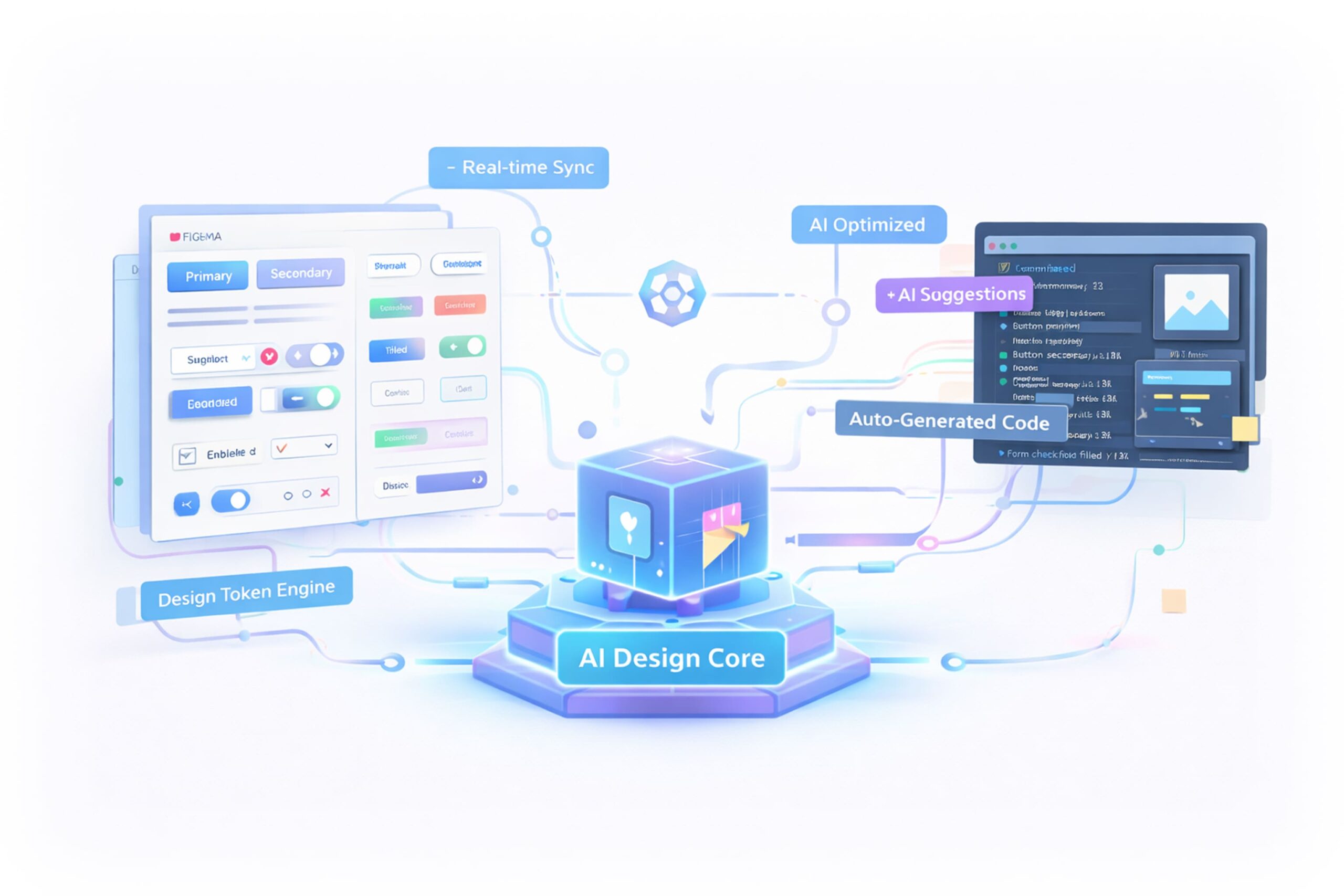
I start by understanding how your product and team actually work, then I design a system that both humans and AI tools can understand , not just how things look, but how they should be used.
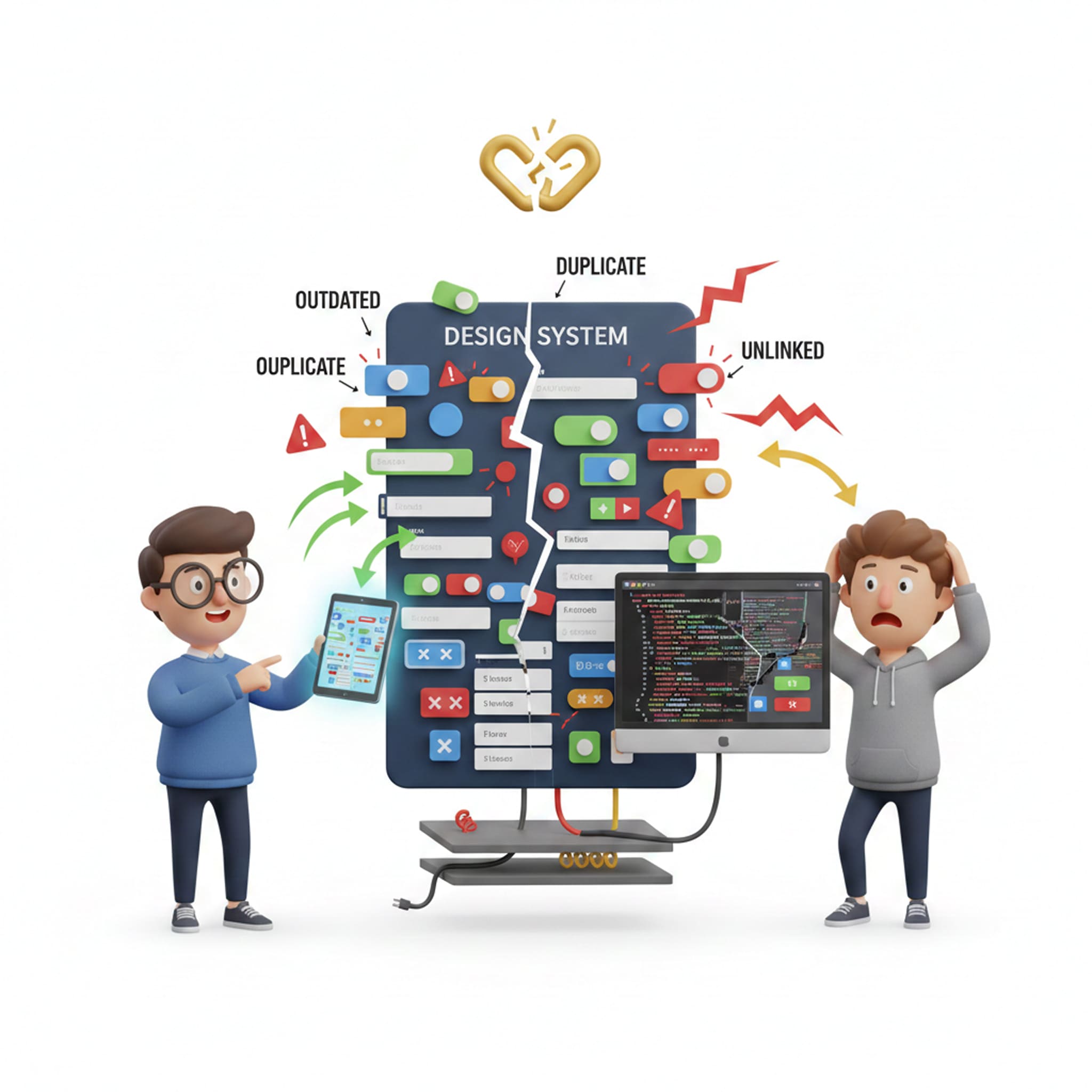
You have a design system, but it’s not working as it should
This is very common.
The system exists, but people work around it. Designers tweak instead of reuse. Developers rebuild instead of trust. New features don’t fit cleanly. Nothing is broken, the system just isn’t helping enough.
In this situation, I start by evaluating your system as a whole. The goal isn’t a rebuild.
It’s clarity on what to fix, what to keep, and what’s blocking scale.
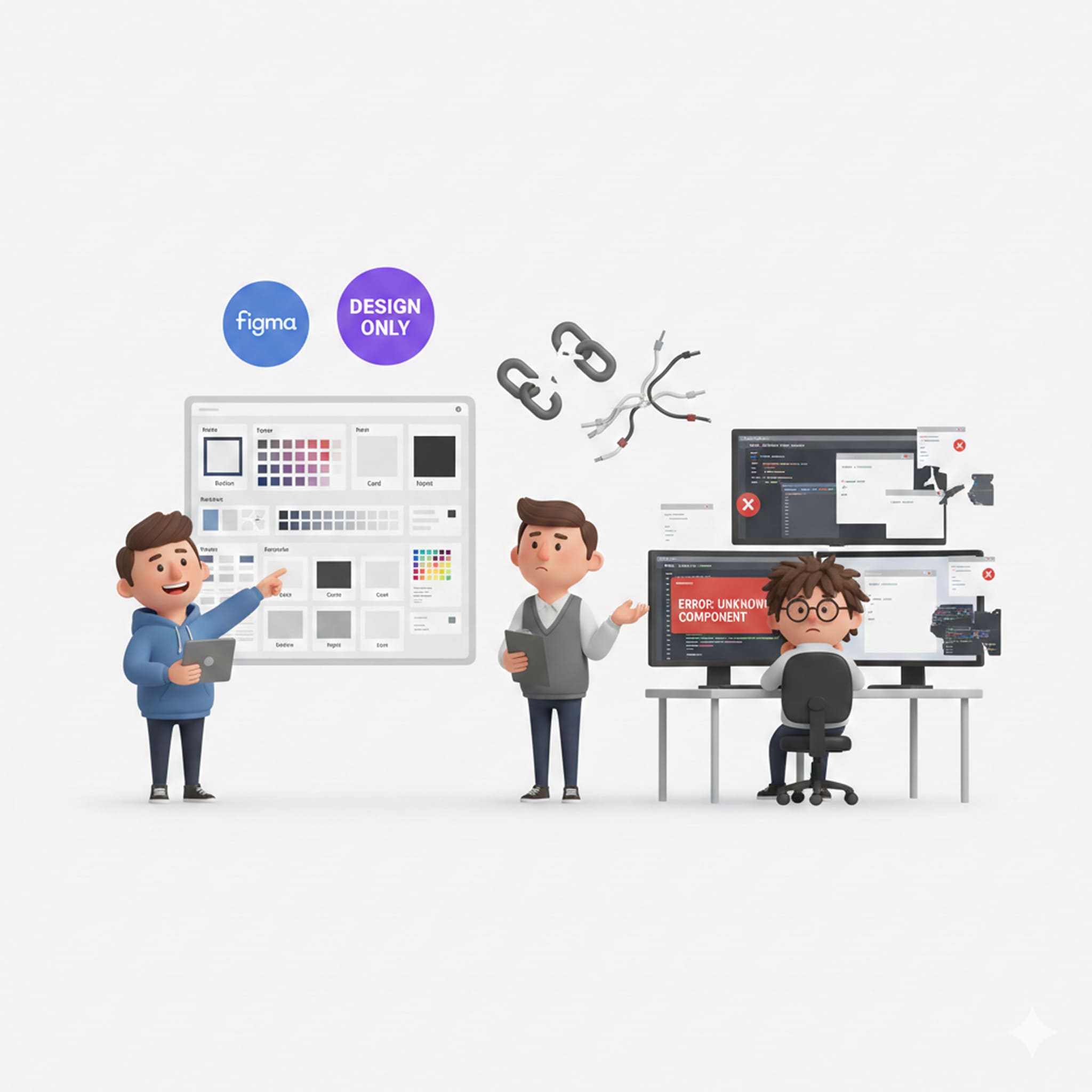
Your design system lives in Figma, code is another universe!
This is where most systems quietly break.
Design intent doesn’t survive handoff.
Components drift.
Engineers stop trusting the source.
This is where I lean heavily into design–code workflows and vibe coding.
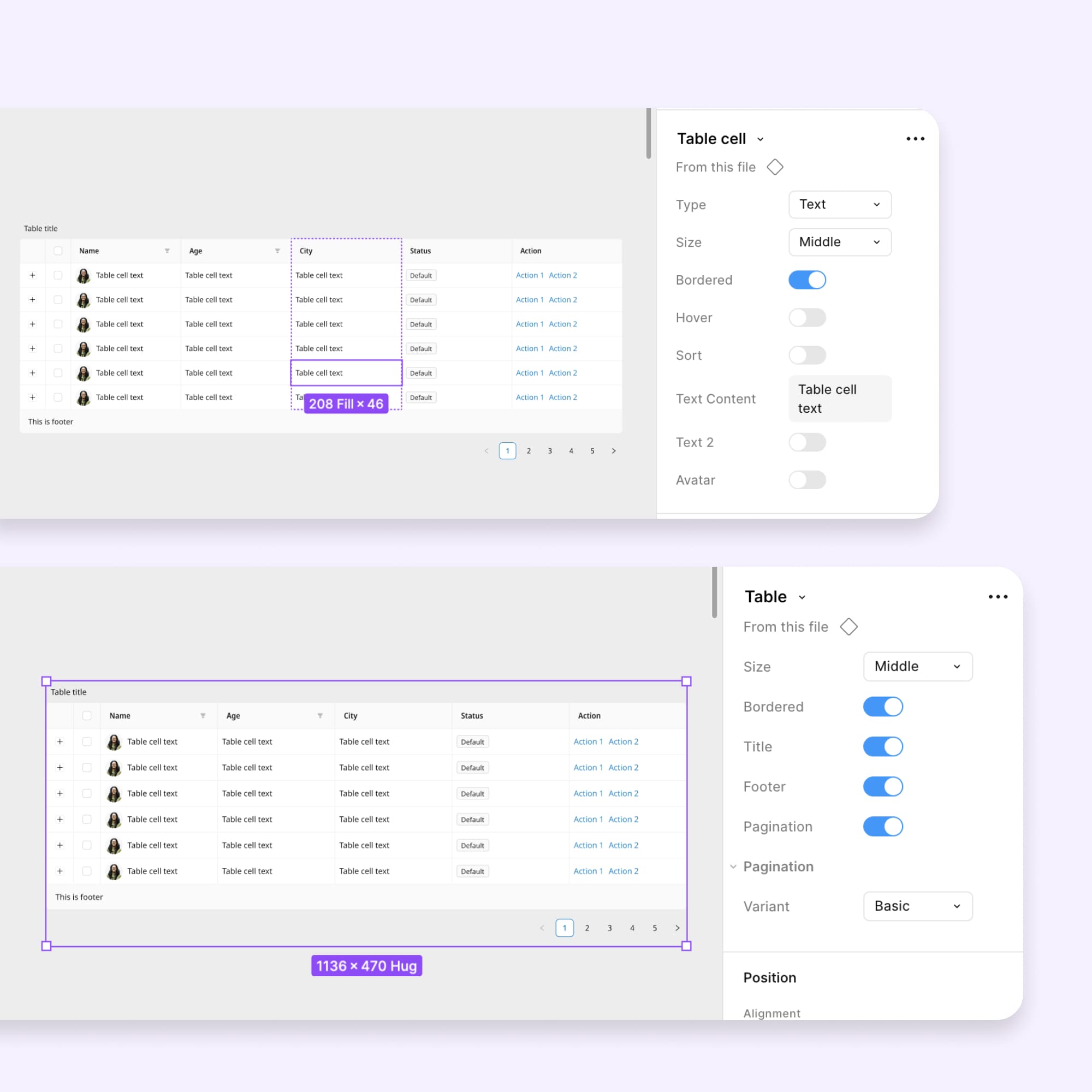
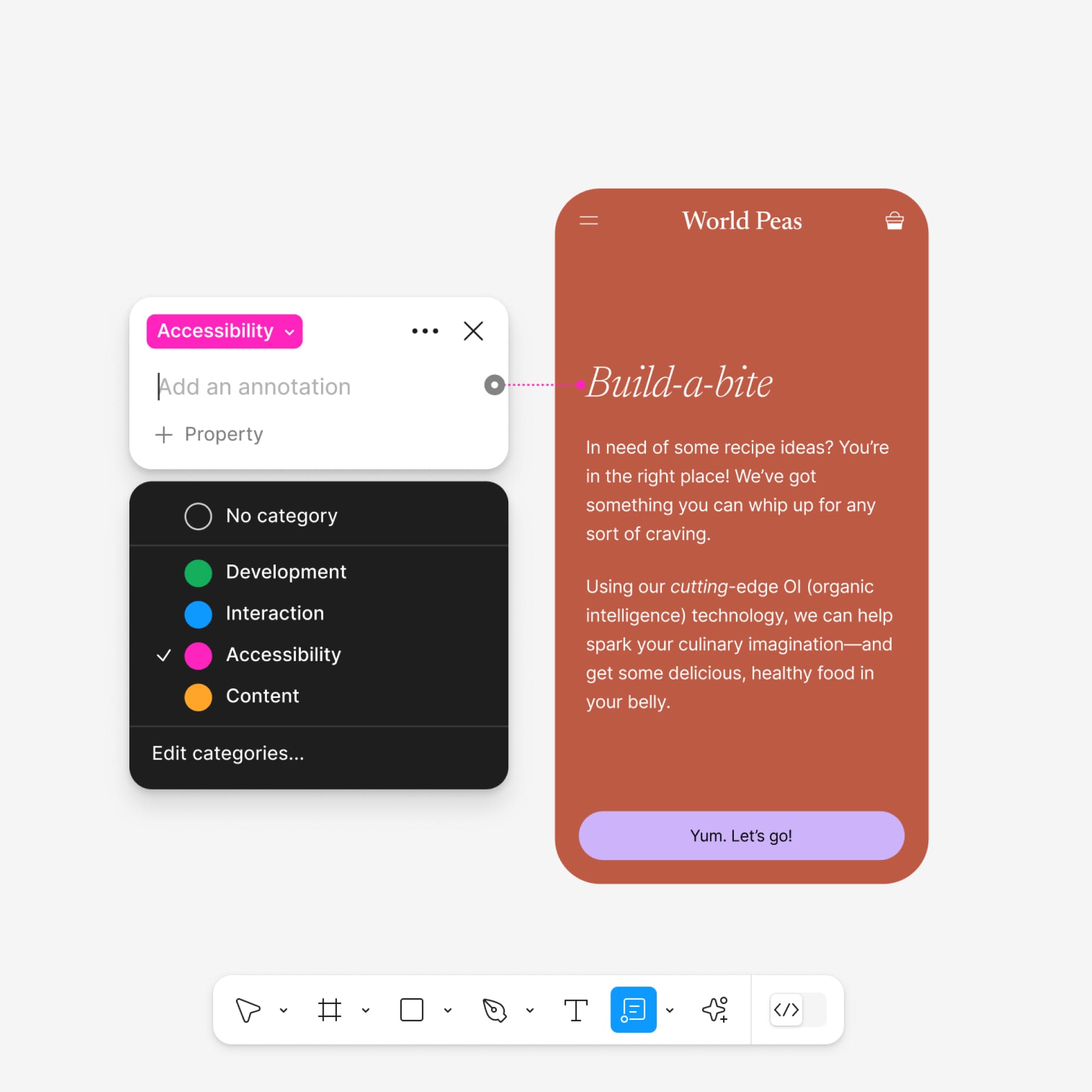
Using setups that combine tools like Figma, Storybook, Cursor, and AI coding assistants, I create flows where:
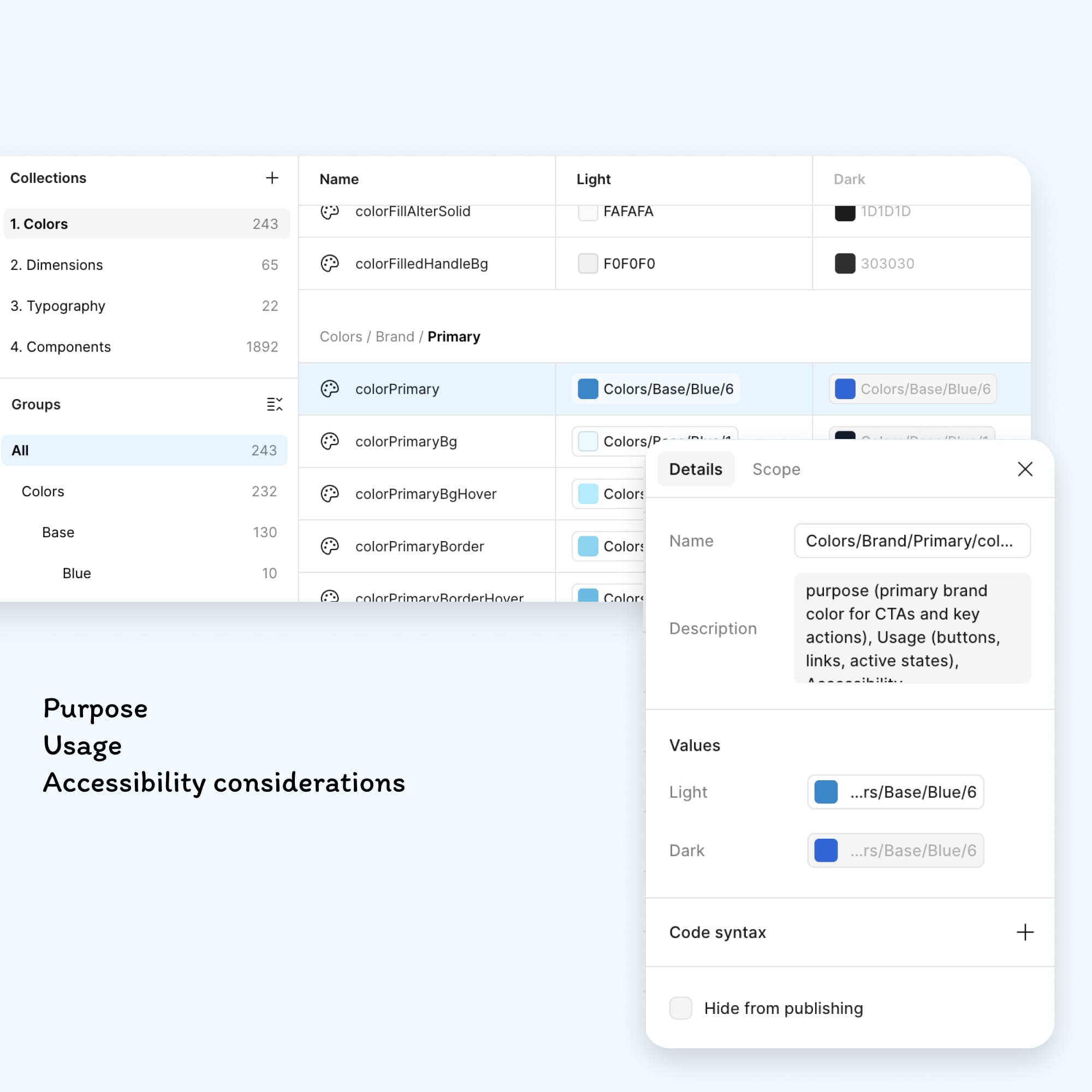
- Tokens stay in sync
- Components are generated or updated faster
- Manual translation work disappears
- With things like Figma MCP and modern AI-assisted editors, it’s now possible to move from design system → real code → real product much faster, while staying consistent.
I actively test and filter what’s worth using in this space, because honestly, a lot of AI + design system content is noise.
Design System Maitenance
Your design system worked, until your product evolved!
New features. New brands. New teams.
Same system. Design systems don’t usually break. They fall behind.
This is where maintenance, governance, and automation start to matter.
How I help you:
- Run regular system health checks
- Update components, tokens, and docs together
- Manage versioning & change visibility
- Set clear governance & contribution rules
- Keep accessibility & performance in check (WCAG)
- Automate quality checks where possible
- Keep documentation usable for humans and AI
- Support adoption as teams and products grow
How I usually work with teams?
I don’t come in with a fixed recipe.
Sometimes I help define the strategy.
Sometimes I build or strengthen the system.
Sometimes I audit, clean up, and create a roadmap forward.
Often, it’s a mix of all of these. What stays consistent is the goal:
to turn your design system into something teams rely on, not something they work around.
What makes a design system AI-ready (and why I design for that)
When people talk about AI and design systems, they usually start with tools.
I don’t.
I start with a simpler question:
Can your design system explain itself, not just to designers and developers, but to AI as well?
Most design systems today only describe appearance:
- what a component looks like
- what states it has
- how it behaves
That was enough when humans were the only ones using the system.
🤖
It breaks the moment AI enters the workflow.
If AI is generating UI, writing code, checking consistency, or updating documentation, it doesn’t just need pixels.
It needs intent.
- Why does this component exist?
- When should it be used and when shouldn’t it?
- What problem does it solve?
- What trade-offs were made?
Without that, AI can only copy.
With that, AI can reason.
=
That’s the difference between a component library and an AI-ready design system.
👀👇
How I design systems so AI can actually use them?
When I design or evolve a design system, I assume it will be read and use by:
👩💻 Designers
🤓 Developers
🤖 AI tools and agents
That changes how I structure things.
Because AI will read the system, I design it differently from the start.
In practice, that means:
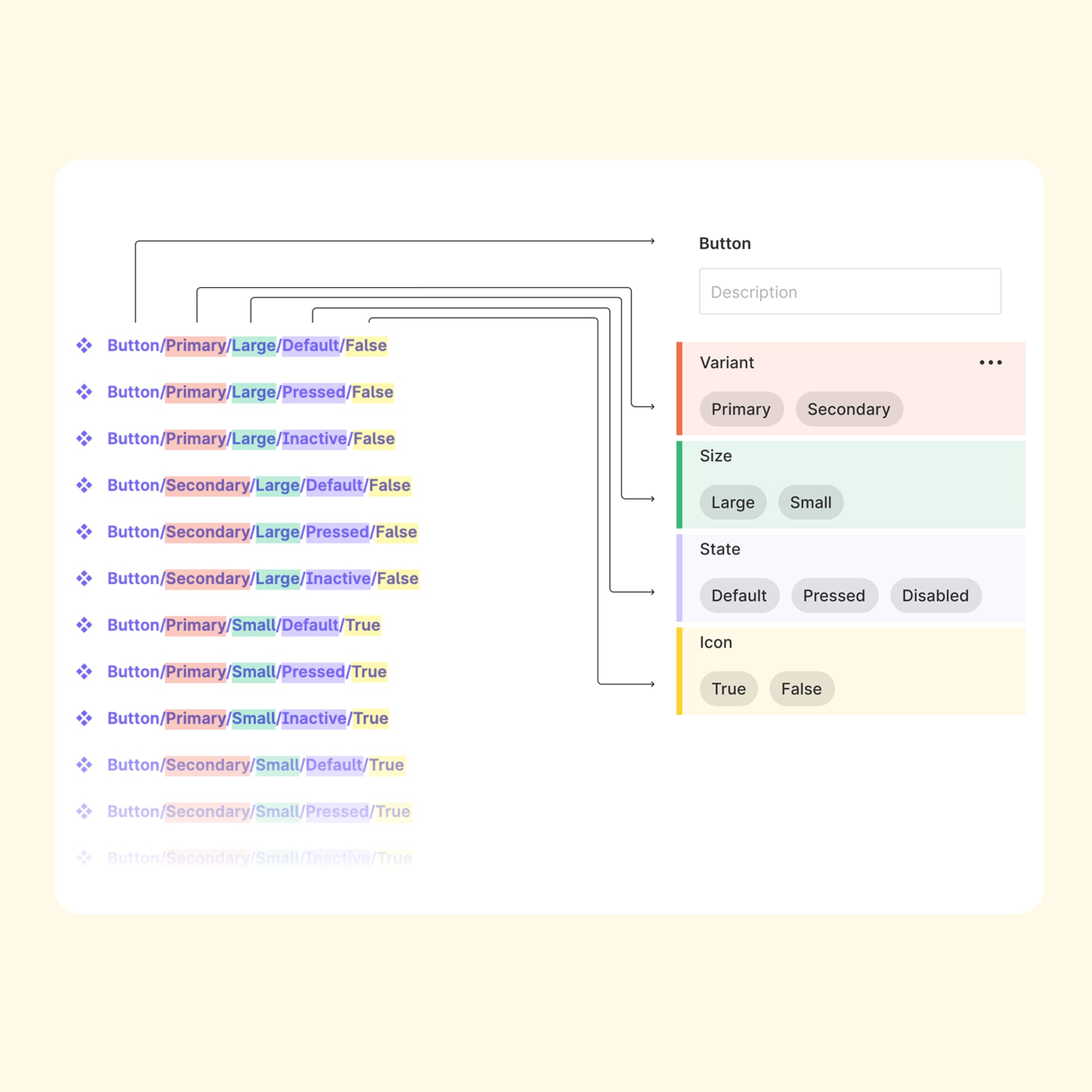
Use semantic naming that communicates hierarchy and intent
Design tokens that encode meaning, not just values
Define components by purpose and rules, not only visuals
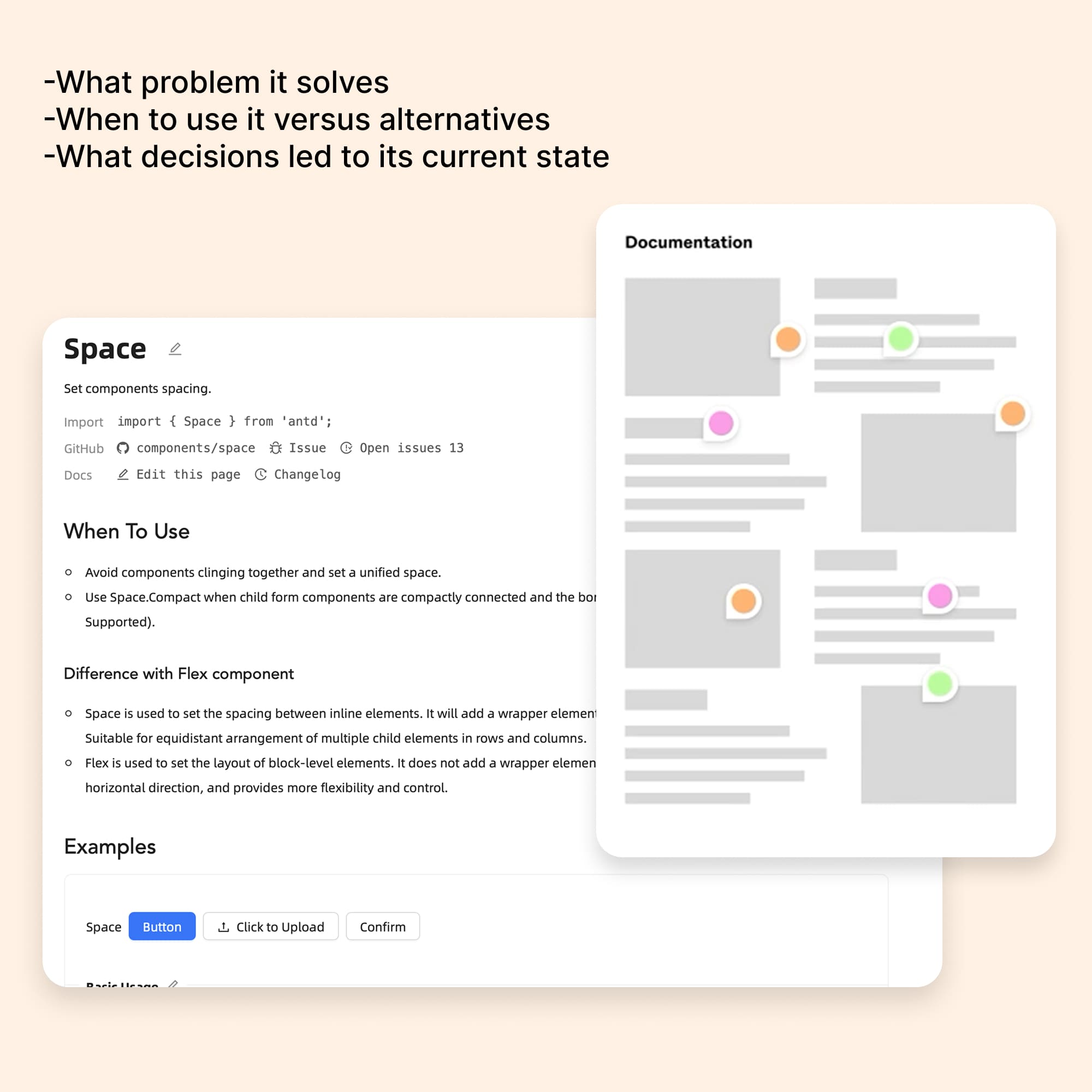
Write documentation that explains context and decision logic
Capture decisions where they happen, not buried in chat tools
The future of design systems
When a design system is structured this way, it stops being a static library.
It becomes usable infrastructure for:
🔄
Design-to-code workflows
🤖
AI-assisted component generation
📚
Automated documentation
✅
Consistency and quality checks
⚡
Faster iteration without design drift
The teams that prepare for this now won’t just move faster.
They’ll spend less time coordinating and more time building meaningful things.
That’s the future of design systems I’m designing for.
Tools I Use to Build AI-Ready Design Systems
I use tools to remove friction, automate repetition, and keep design systems consistent for humans and AI.
Cursor + Figma MCP
lets AI validate tokens, and generate accurate docs fast
Figma
source of truth for system structure and component logic
Storybook
documents and tests coded components
ZeroHeight
maintains clear, human-friendly system documentation
Microsoft Copilot
speeds up audits, documentation, and reviews
Token Studio
defines semantic, scalable design tokens
Style Dictionary
syncs tokens across design and code
Lynt plugin
catches inconsistencies and makes designs code-ready early
Builder.io
stress-tests component flexibility in real layouts
Fusion
explores patterns and system variations quickly
I don’t chase every new AI tool.
Most of them are noise.
What I do pay attention to:
- design-to-code workflows that reduce translation
- systems structured so machines can read them
- automation around audits, documentation, and QA
- setups that keep design, code, and tokens in sync
👉 If a tool helps the system stay consistent as it scales, I care.
If it’s just a demo, I don’t.
👉 That filtering — knowing what to use, what to test, and what to ignore — is a big part of my work.
I design systems not just for designers and developers, but also for AI tools and automation. That means clearer structure, semantic intent, and workflows that scale with modern tooling.
Not at all. AI handles repetitive and mechanical work. Humans keep judgment, craft, and decision-making. My goal is to reduce friction, not replace expertise.
Very hands-on. I work closely with code, components, tokens, and tooling to ensure design intent survives into production. I’m comfortable operating at the design–engineering boundary.
Through clear intent, lightweight governance, and automation. A good system removes decisions, not flexibility, and evolves with the product instead of blocking it.
A design system includes guidelines, governance, and design principles, while a component library is the coded implementation of UI elements. I help you with both.
No. These principles work at any scale. Smaller teams often benefit even more because they can set the right foundations early and avoid painful rewrites later.
Looking to purchase
Designer Assistance 01, 02, 03?
Please send me an email with your request, and I’ll provide you with instructions on how to buy the designer assistance files.